
Migration guide
How to Move from WordPress to Next.js Without Losing SEO
A framework for moving a real business website without turning SEO, forms, analytics or content history into collateral damage.
By Chandra Kumar · WordPress migration, Next.js, SEO and platform modernisation
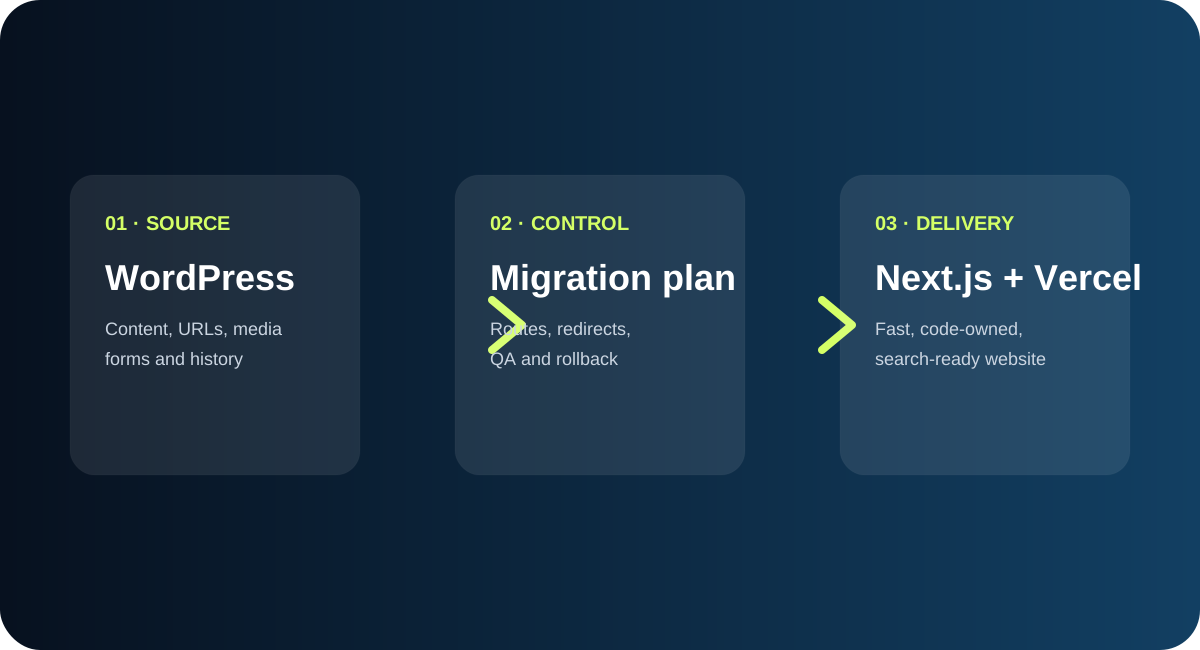
Key takeaways
- Protect search intent and URL meaning before changing templates.
- Use a route map, redirect tests and a source archive as release controls.
- Rebuild visible form, consent and analytics behaviour—not obsolete plugins.
- Measure search, journeys and conversions before retiring the old origin.
Table of contents
When a WordPress-to-Next.js migration is worth considering
A migration can make sense when the current platform is expensive to maintain, slows down product or content changes, creates inconsistent page experiences, or makes testing and ownership difficult. It may not be worth it when the current site is stable, the editorial workflow is the priority and the business has no capacity to own a new delivery model.
“Do not migrate because a framework is fashionable. Migrate when ownership, evidence and the desired business journey justify the change.”
The right platform is the one the team can operate responsibly.
The seven-part WordPress migration plan
01
Inventory before implementation
List every route, content type, asset, form, plugin behaviour, metadata field, analytics event and external dependency.
02
Decide URL intent
Keep strong routes where possible. Consolidate duplicates deliberately. Redirect only to a relevant replacement.
03
Preserve source fidelity
Extract heading hierarchy, emphasis, lists, tables, videos, links, calls to action and page-specific evidence—not just plain text.
04
Design template families
Use shared components for consistency, but allow case studies, guides, podcasts, forms and bespoke pages to retain their real differences.
05
Rebuild integrations
Reproduce the user-visible behaviour of forms, consent, analytics, search, redirects and legal links without copying obsolete plugins.
06
Test before DNS
Run build, link, metadata, schema, accessibility, responsive, form, redirect and crawl checks against a protected preview.
07
Observe after launch
Monitor availability, search coverage, crawl errors, conversions and user feedback before retiring the old origin.
What to measure after launch
Compare indexed URLs, organic clicks and impressions, key landing-page journeys, form starts and submissions, analytics events, redirect errors, crawl errors and support questions. Performance improvements should be reported from a before-and-after baseline, not assumed from the framework choice.
Reference sources
Use the platform documentation alongside your own route inventory and evidence.
Common WordPress migration failure patterns
- Replacing source copy with generic marketing language
- Redirecting every retired URL to the homepage
- Publishing thin city or service permutations
- Forgetting consent and analytics parity
- Launching without a tested rollback archive
- Treating a passing build as visual approval
Use the companion checklist
Turn the guide into an accountable workstream with the public readiness checklist.
Open the checklist →Frequently asked questions
Is Next.js always better than WordPress?
No. WordPress can be the right choice when editorial independence, plugin workflows or a small team matter more than code ownership and a static-first architecture.
How long does a migration take?
The answer depends on route count, content families, integrations, media, review capacity and the redirect surface. An inventory is more useful than a generic timeline promise.
What is the biggest SEO mistake?
Treating a redesign as a new website and forgetting that every existing URL, heading, link, image and search intent is part of the product.
Need a second pair of eyes?
Request a migration readiness review
Bring your current platform, route inventory or migration concern. We will help you identify the decisions that deserve evidence first.
Talk to WiselyWise →Written by
Chandra Kumar
Founder, WiselyWise · AI, education and business transformation
Chandra writes about practical technology decisions, digital transformation and the operating discipline required to make change useful.
Continue reading
Related articles and resources
WordPress-to-Next.js Migration Readiness Checklist
Discovery, URLs, content, SEO, forms, QA, launch and rollback.
Read more →WordPress to Next.js migration case study
A real production migration from Divi to Next.js and Vercel.
Read more →WiselyWise Learning Center
More practical guides, articles and resources.
Read more →